
Choose recent photos that show your face first, then arrange a small mix that includes your full appearance, an interest, and everyday life. Your images should let someone recognise you when you meet, without making them guess which person you are or what you look like now. Check every photo in the app before publishing: crops, thumbnails, backgrounds, and image order can change what people see.
Start with a recent photo in which your face is easy to recognise
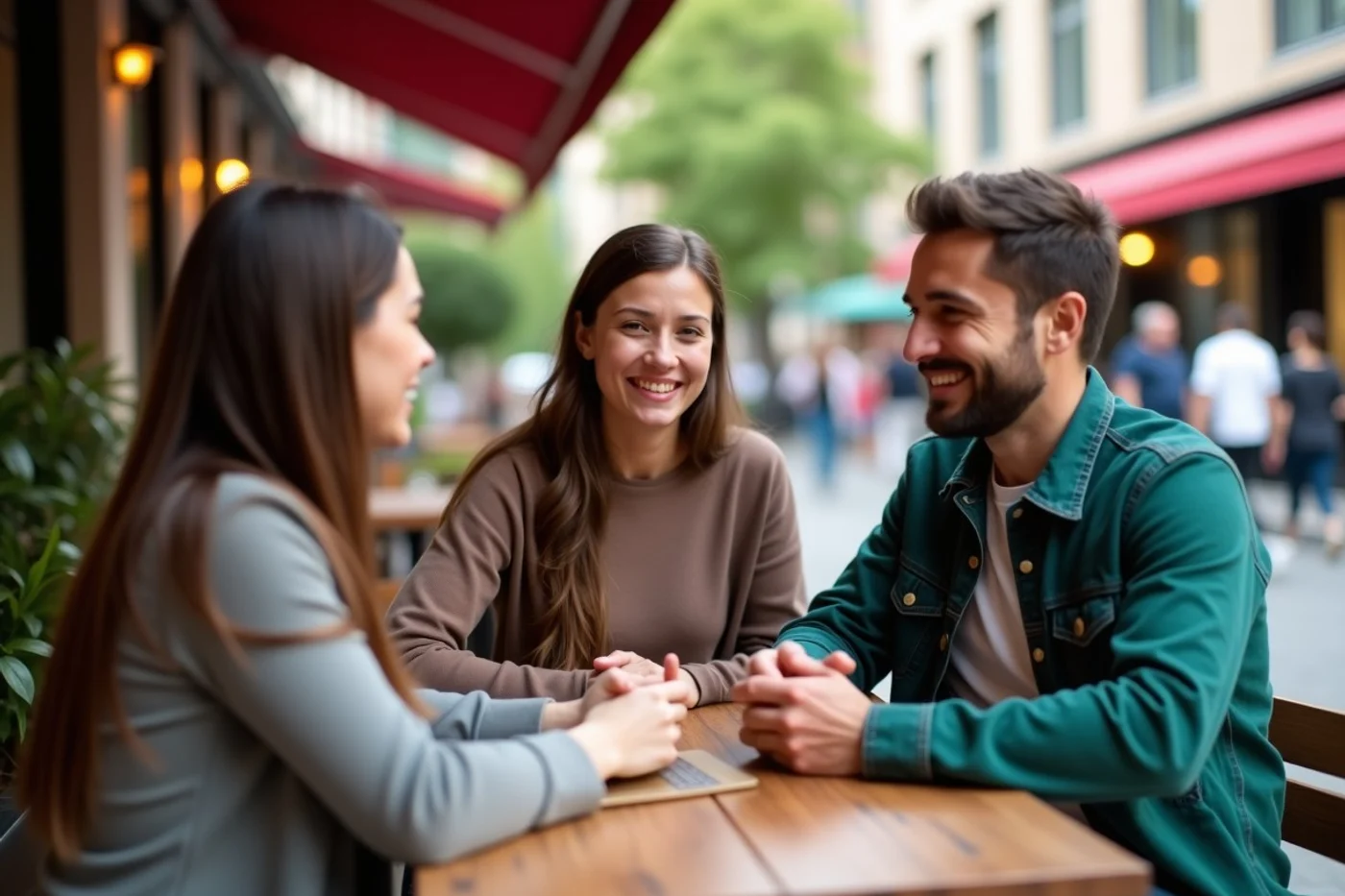
Choose a recent photo that reflects how you look when meeting someone now: your current hairstyle, facial hair, glasses, and general style. A picture from a memorable trip is fine when it still resembles you, but an old favourite that creates a surprise at the first meeting sets the wrong expectation.
Your first image needs to answer a simple question at a glance: what do you look like? Use a close or mid-distance shot with your face unobstructed and your eyes visible. Save sunglasses, helmets, masks, heavy filters, deep shadow, and distant landscape shots for later, if you use them at all.
Skip edits that reshape your features or substantially smooth your skin. Normal colour and exposure adjustments are fine, but the photo should still look like the person who arrives for coffee, a walk, or a drink. Choose an image where your expression feels natural; a relaxed smile or neutral face both work when you are recognisable.
Use a varied photo mix to show more than one side of your life
Build a short sequence in which each image answers a different question. Include a straightforward portrait, a full-length photo, and an image of an interest or ordinary activity you genuinely enjoy. This gives someone a sense of your appearance, style and day-to-day life without asking one photo to do everything.
Add a social photo only when you are immediately recognisable, then balance it with pictures where you are on your own. A board-game night, a walk with a friend or helping at a community event can show your social side; a group of similar pub photos says far less. Keep friends and children out of the profile unless they have agreed to appear and you are comfortable sharing the image.
Finish the mix with a natural setting that fits your routine, such as cooking at home, reading in a park, tending plants or taking a weekend walk. Skip a run of near-identical mirror shots, holiday views or posed selfies. Variety gives potential matches more honest starting points for a conversation.
Make lighting, framing and background work in your favour

- Find soft, even light first. Stand facing a large window on a bright day, just inside the shade outdoors, or in open shade outside. Direct sun can leave deep shadows under your eyes and nose; a bright window behind you can turn your face into a silhouette.
- Set the camera near eye level and clean the lens before taking the photo. Prop a phone up or use a timer, then stand far enough back that the camera does not distort your features. Leave some space above your head and keep your face comfortably within the frame, without an extreme close-up.
- Choose a background that supports the photo without competing for attention. A plain wall, an uncluttered room corner, or a calm outdoor scene gives the eye somewhere to rest. Move away from harsh overhead lights, busy signage, piles of washing, or objects that draw attention away from you.
- Keep the original image until you upload it. Screenshots, repeated edits, and heavily compressed copies often look soft on a phone screen. Check the image at its normal viewing size: your eyes, hairline, and clothing edges should remain defined, with no grainy blur or washed-out light.
Make yourself identifiable while protecting other people in group photos
Keep group photos to one image at most. They can show a social side of your life, but a profile should never leave a viewer scanning faces to work out who it belongs to. Choose a shot where you are prominent and recognisable at first glance, not hidden at the edge or one of several similarly dressed people.
Use a group image only after your individual photos have already established what you look like. Avoid photos that feature an ex-partner, centre on someone else, or reveal a private occasion. Before posting, check that friends are comfortable appearing on a dating profile. Blur faces of friends or bystanders who have not agreed, especially in crowded venues, family gatherings, or photos involving children.
Preview the full sequence using each app’s crop and display order
Upload the set, then view it as a stranger will: first as a small profile thumbnail and then by opening each image. Check that the opening photo still centres your face after the app crops it. A landscape shot that looks balanced in your gallery can cut off your head or leave you tiny on the profile screen.
Put the strongest identifying image first, followed by photos that add a different detail about your life. Two images from the same outing, in the same outfit, often read as duplicates; retain the better one and replace the other with a distinct setting or moment.
Before publishing, scan every corner for information you did not mean to share: house numbers, workplace signs, vehicle registration plates, travel documents, screens, mail, or a child’s face. Remove any image that no longer resembles your current appearance, routine, or interests. Repeat this preview after changing apps, since display order and cropping can differ.
Before you publish, place your phone at arm’s length and view the profile as a stranger would. Replace any image where your face is tiny, obscured, outdated, duplicated, or linked to personal details you do not want to share. Keep the set only when every photo earns its place.