
Dating app privacy starts with an account audit: remove details that identify your home, workplace or routine, check that photos and usernames do not lead to public profiles, and limit device access to what the app needs. For dating in New Zealand, review location sharing before you match, then decide what new information becomes visible when a chat moves to text or social media. Privacy settings reduce exposure; they do not remove every risk.
Map what a stranger could learn from your profile

Dating app privacy starts with the information visible before you have exchanged a message. Read your profile as a stranger would: your first name, age range, job title, neighbourhood, education, interests, and photo captions can combine into an identifiable picture. Use a broad work description such as an industry or role type when a specific employer, small team, or unusual job would identify you quickly.
Photos often reveal more than a face. Check for house numbers, street signs, vehicle registration plates, workplace lanyards, school uniforms, recognisable views from home, and regular exercise or commuting routes. A photo outside a distinctive local café, club, or workplace may reveal where you spend time, especially when paired with a caption about your usual morning or weekly routine.
Keep family members, children, flatmates, and colleagues out of profile details unless they have agreed to appear. Avoid naming a child’s school, describing shared custody schedules, or posting images that show another person’s name, address, or routine. Details can be shared gradually when trust has developed; they do not need to sit permanently on a public-facing profile.
Check whether your photos or username connect to public accounts
A familiar photo or handle gives a match a shortcut to your wider online life. A reverse-image search can surface the same headshot on a public Instagram, LinkedIn, club page, or old event post. An identical username can produce similar results through an ordinary web search, especially when it is unusual or includes a birth year, profession, or local reference.
Audit your profile before it goes live. Search your dating username in quotation marks, then search any usernames you use elsewhere. Check whether your profile photos also appear on public social accounts, professional pages, fundraising pages, or tagged posts. View those accounts while logged out or ask a trusted person to look: privacy settings sometimes leave profile images, follower lists, bios, and older posts visible to people outside your network.
Use photos selected for dating that are not already public, and choose a new dating handle that does not repeat your usual one. You do not need to remove every public trace of yourself. The decision is about preventing a dating profile from acting as an index to your name, work history, friendship network, or other accounts before you choose to share them. Repeat this check after changing profile pictures or reviving an older dating account.
Review permissions before sharing precise location or contacts
- Open the dating app’s permissions in your phone settings before creating or updating a profile. Turn off access the app does not need for the way you use it, especially contacts, photos beyond the images you choose to upload, microphone, camera and local network access. A permission prompt is a request, not a requirement to approve every option.
- Treat location as a separate decision. Some phones allow approximate location, which identifies a broad area, while precise location identifies a much smaller area. Use approximate access where your device and the app support it, or deny location access if location-based matching is not worth the disclosure to you.
- Check the app’s own location controls as well as phone settings. A profile may show distance, nearby matches or another location signal even when it does not display an address. Read each setting before enabling it, and avoid entering a home address or a routine location to improve suggestions.
- Review permissions after an app update, a phone update or a change in how you use the app. Updates can introduce new features or trigger fresh permission requests. A quick check in phone settings keeps earlier choices from becoming automatic approvals.
- Remove access before deleting an app or leaving an account dormant. Revoking permissions stops future device access; closing or deleting an account is a separate step within the service. Check both when you no longer want the app connected to your phone.
Decide what changes when the conversation leaves the app
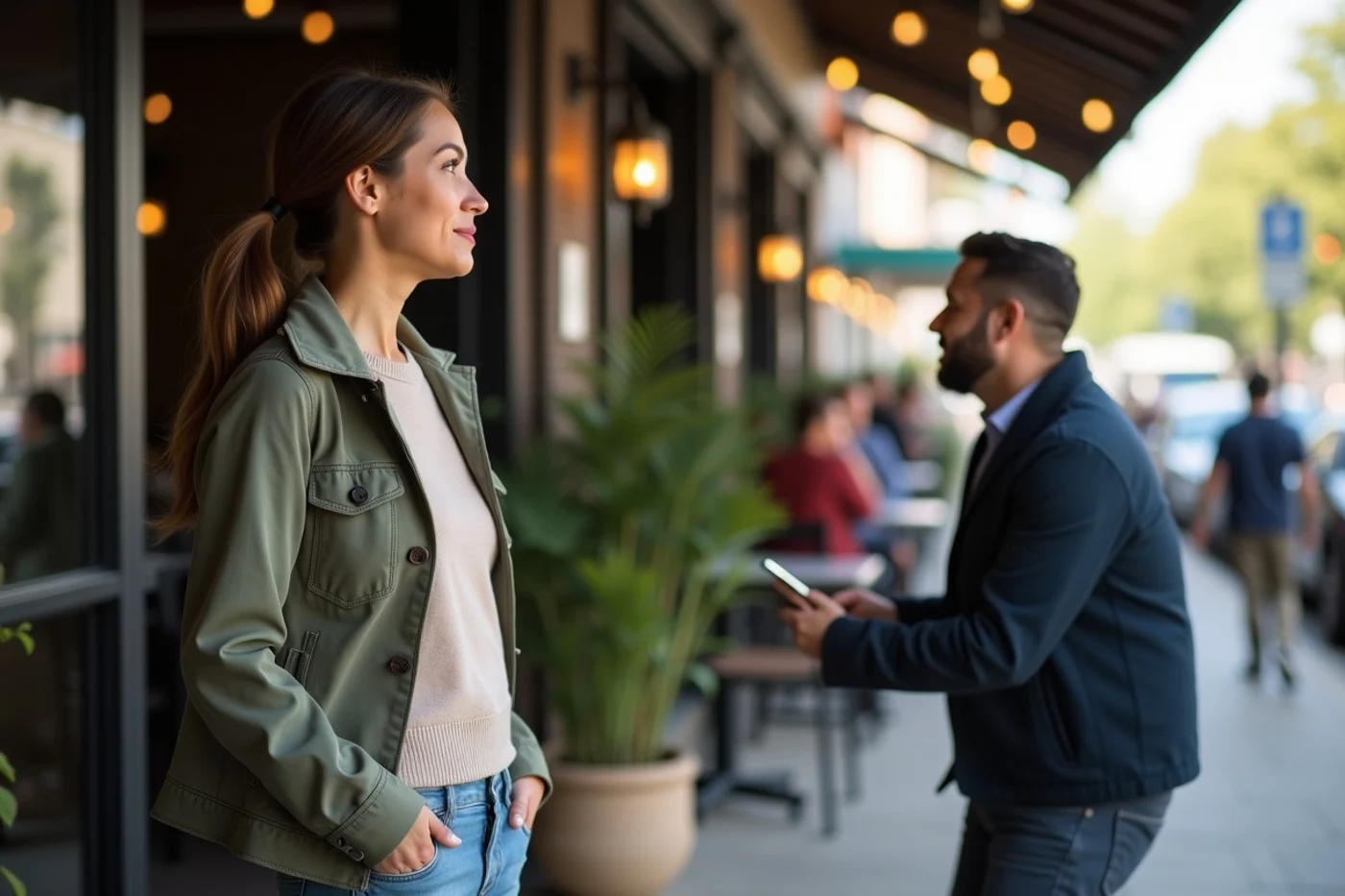
Keeping early messages inside the dating app limits what the other person receives to the profile information and chat already visible there. Your personal phone number, email address and social-media account are not automatically added to the conversation. It also leaves the exchange within the app’s own reporting and blocking system.
Text messaging reveals a phone number unless you use a service designed to keep it private. A social-media chat can expose far more: your full name, friends or followers, older posts, tagged photos, workplace history and public comments. Check what a person can see from your profile while logged out or from a non-friend view before sharing that account.
Move channels only when the extra access feels proportionate to the conversation. A match asking for an Instagram handle after a few messages is asking for a link to a wider personal history, not simply another way to chat. Staying in the app or offering a channel with less identifying information leaves you room to get to know them without opening your broader online life.
Preserve useful evidence before you block or report an account
When someone shares, threatens to share, or appears to have found personal information about you, capture the relevant material before ending contact. Take screenshots that show the account name, profile image, messages, dates and times. Save any URLs, email addresses, phone numbers, payment handles or linked account names involved.
Keep a short factual record alongside the screenshots: what happened, when it happened, where the conversation took place, and what information was exposed. Include confirmation emails or in-app responses after you report the account. Store these records somewhere the other person cannot access.
Do not argue for an explanation or warn the person that you are collecting records. Once you have saved what you need, use the platform's block and report functions. A report is stronger when it identifies the specific messages or profile content that breached your privacy.
Verify current controls against New Zealand guidance and platform policies
Privacy settings and data practices change with app updates, so begin with the controls shown on your screen. Read the app’s privacy policy, safety settings and account-deletion information before deciding how much profile information you are comfortable supplying. Review what the service says about location data, profile visibility, matching preferences, advertising, data sharing, and how to request or delete account data.
For New Zealand context, consult the Office of the Privacy Commissioner’s guidance on protecting personal information and Netsafe’s advice on managing online privacy and harm. These sources help frame the questions to put to any service: what does it collect, who receives it, how long is it retained, and which choices genuinely limit exposure?
An app does not need to offer every control to be usable, but its available settings should match your boundary. Where a policy is vague or a control is missing, limit what you add to the account or choose not to use that service. Revisit the policy and settings after major app or device updates.
Before opening a new conversation, check your profile as though you were a stranger viewing it. Update your location and permission settings, remove links to public accounts, and keep a record if someone shares, threatens to share or misuses your information. The New Zealand Privacy Commissioner, Netsafe and the app’s current policy pages are useful checks when a setting or data practice is unclear.